
Approve Harbor as a Microsoft 365 Admin
A user in your organization needs Harbor approved for Microsoft 365. Follow the steps below to grant admin consent.
Global Administrators and Cloud Application Administrators can grant admin consent for Harbor.
Open the one-click admin consent link
Sign in as a Global Administrator or Cloud Application Administrator, then open this admin consent link:https://login.microsoftonline.com/organizations/adminconsent?client_id=MICROSOFT_CLIENT_ID
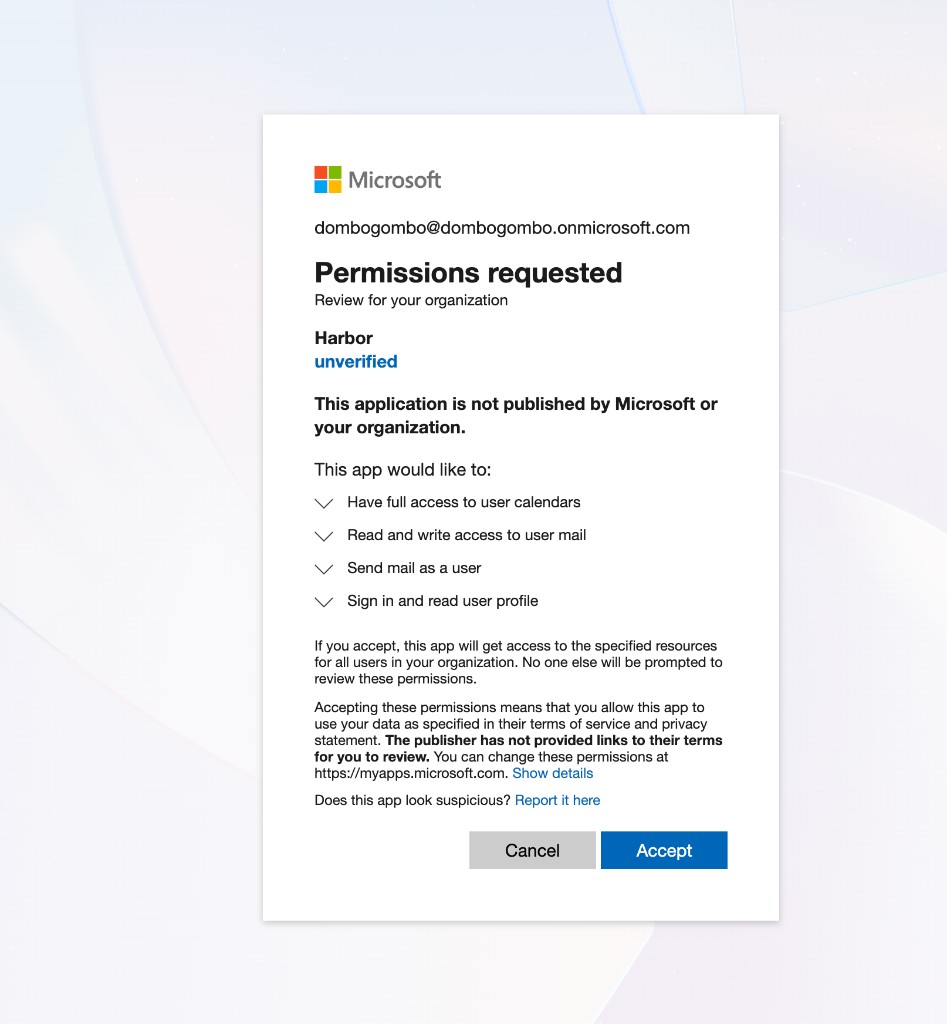
Review permissions and accept
Review the permissions Harbor requests, then click Accept. Once approved, users in your organization can connect Harbor without seeing the Need admin approval screen. Users are not emailed when consent is granted via this link.
Support
For integration support, please contact us via Harbor Support.
No cookies. We collect anonymous-only data using plausible.io
© 2026 Work In Biotech LLC. All rights reserved.